Several weeks ago, I received a package in the mail! In that package, I received three new products from Koala to review. I was really eager to review the first piece, the Waterside Paper, but I got very busy with other things, and I had to put the remaining 2 reviews on hold. But have no fear! I have pulled my socks up, and today I’m going to do a Koala Gold Foil Glossy Vinyl Sticker Paper Review & Koala Tracing Paper Review!
Full Disclosure – I got these products for “free” in exchange for my trying them and writing a review. The comments and findings are my own, but I did not purchase this product. Hopefully, that makes sense.
If you want to try out these items, you can use the coupon code below to receive 12% off products at Koalagp.com.
Coupon Code: LearnsStuff
So, let’s get this project started!
Koala Gold Foil Glossy Vinyl Sticker Paper Review
I was really excited about trying out the Gold Foil Glossy Vinyl Sticker Paper. I love stickers! So let’s take a look!
First Impressions & Packaging
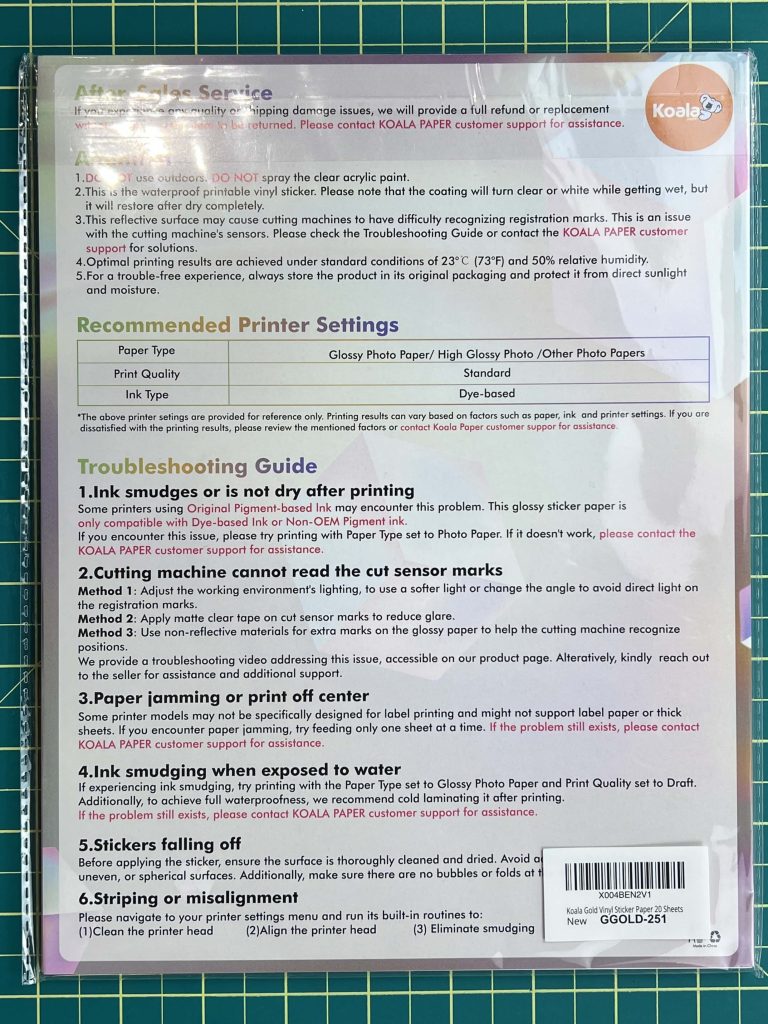
I want to quickly show you the packaging of this product. The packaging is very simple. The vinyl is in a clear sleeve. Mine had no front package/details page. On the back, Koala is nice enough to put the instructions on the back cover of the packaging. This is great because you don’t have to worry about losing it. And the steps to follow are really easy. Which is an added bonus.
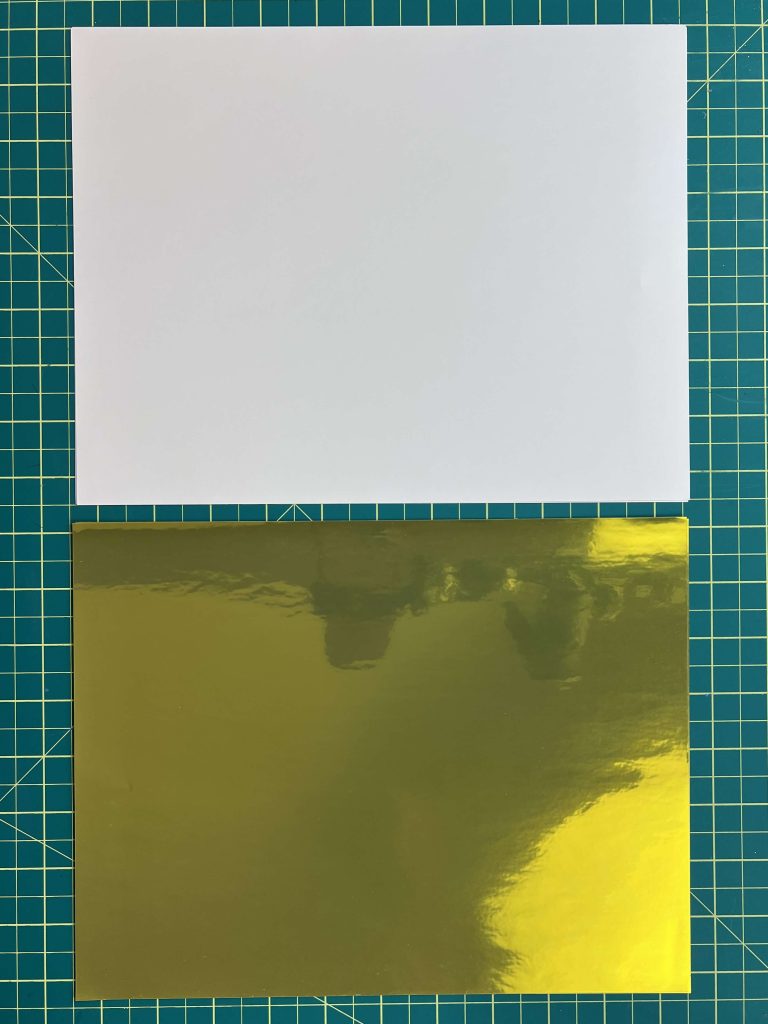
This package comes with 20 sheets of sticker paper. The front of each page is a nice shiny gold, while the carrier sheet behind is white.
Printing Test Results
So, let’s talk about printing.
I tried doing this 2 different ways, and it produced 2 very different results.
This sticker paper is supposed to be compatible with cutting machines. I’ll talk more about that later. But for now, I’m only going to focus on the printing aspect of it.
I created a design and sent it to print in both Cricut Design Space and Adobe PDF (free version)
printing on gold foil sticker paper
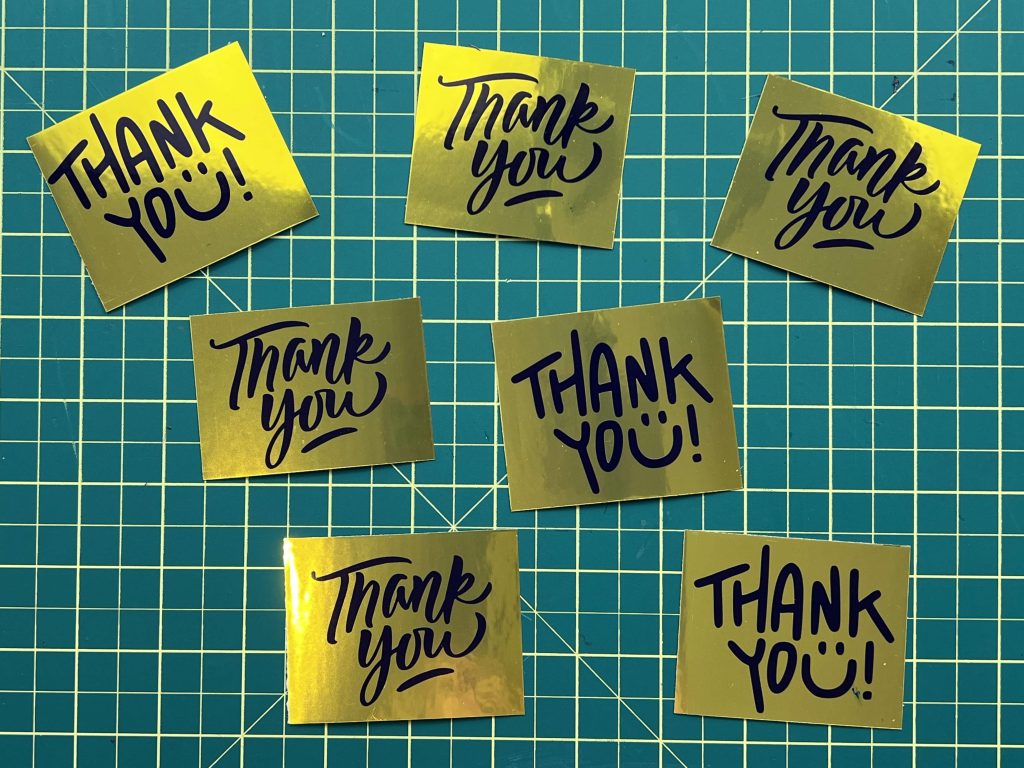
I initially made a print with my DS, described below. Based on those results, I decided to try a simple black print with “thank you” on the gold. I adjusted the printer settings to match those suggested on the packaging, Glossy-Photo Paper, and I opted for high quality instead of standard.
When I printed this page out, all the ink stayed put and didn’t smudge. It was a great print. The color adhered perfectly and looks fantastic.
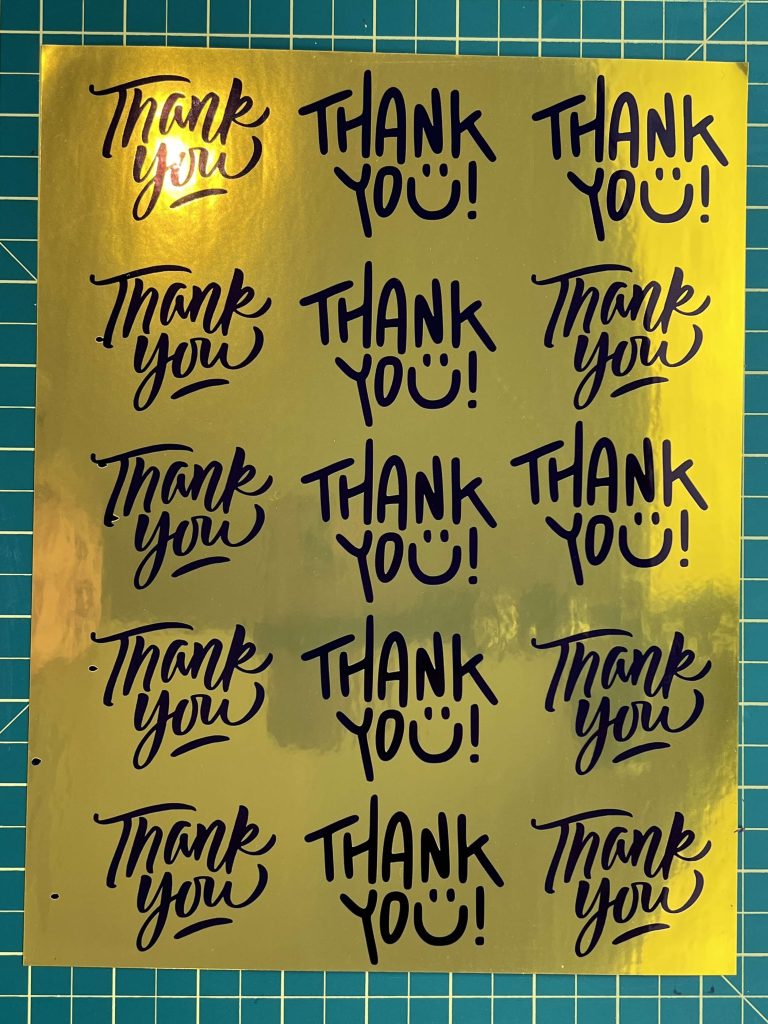
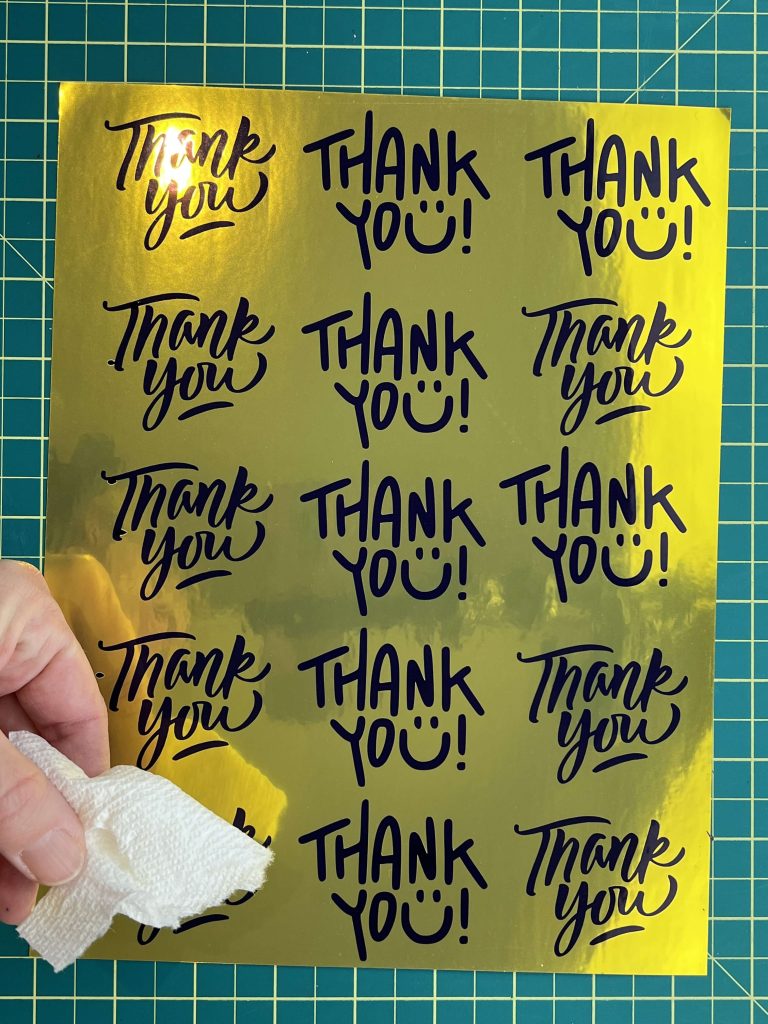
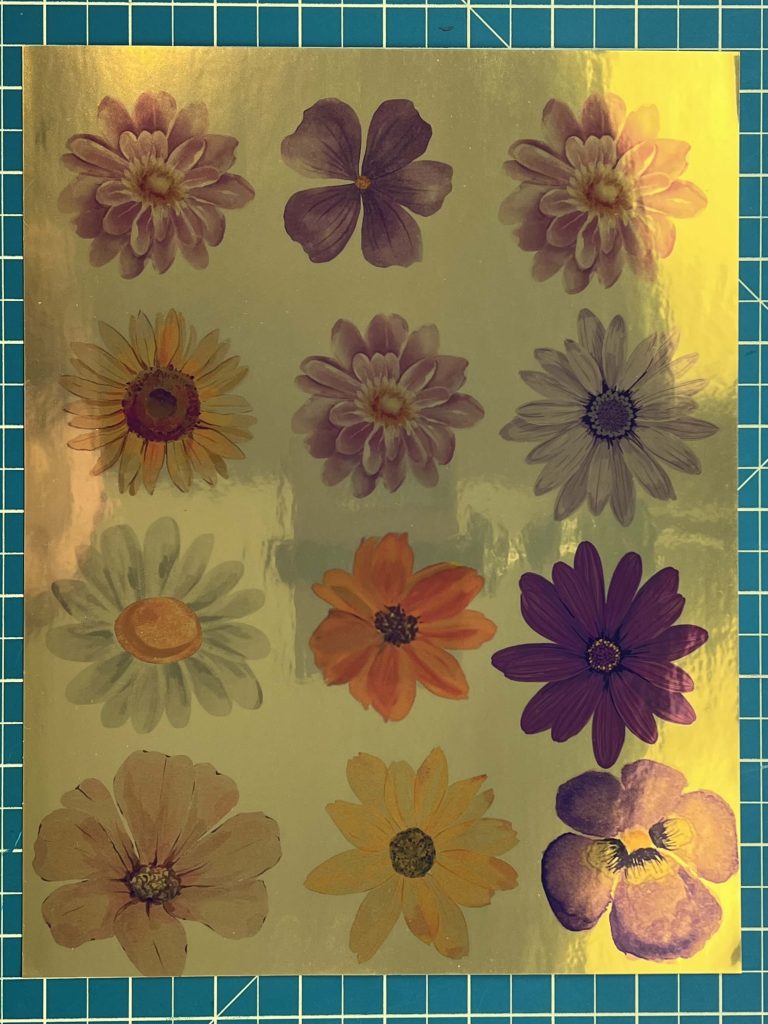
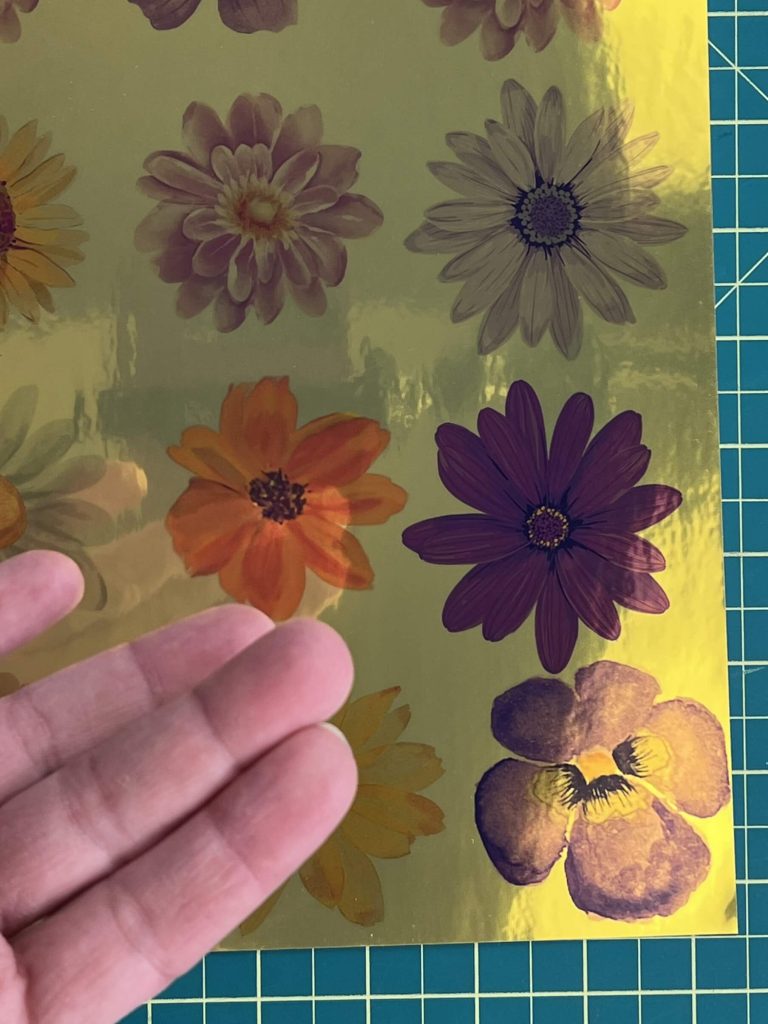
So, I tried printing some color images using Adobe to see how the color adhered and looked. I was pleasantly surprised that the color looked nice and stayed on the vinyl. It didn’t come off the paper at all.
Cricut Design Space printing issues
Normally, when I print through Cricut DS, I am able to set the printing parameters the way I want them. And although I set them to print on glossy photo paper, DS was not cooperating. I’m not sure if it was the user or the program, or if there was a recent update that changed things, but my printing experience was weird, and that had nothing to do with the Koala Gold Foil Glossy Vinyl Sticker Paper.
I tried to print some colorful stickers to perform a Print-Then-Cut. The color was not showing very well, and it did not stay on the vinyl sticker paper. It wiped off very quickly on my hand.
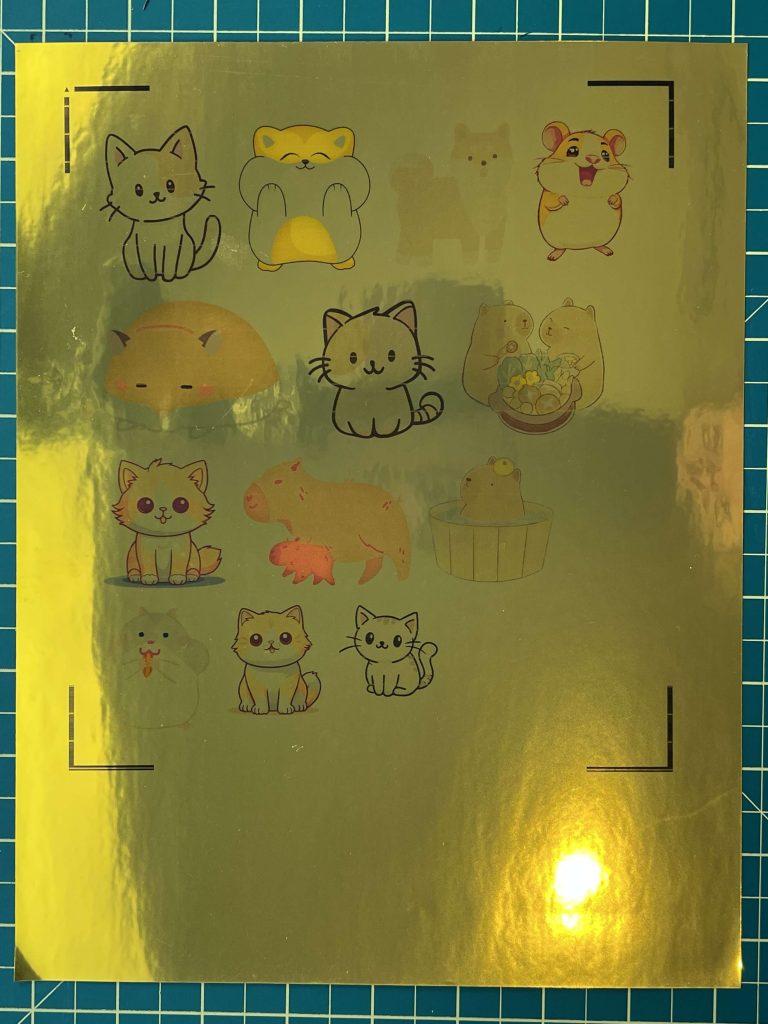
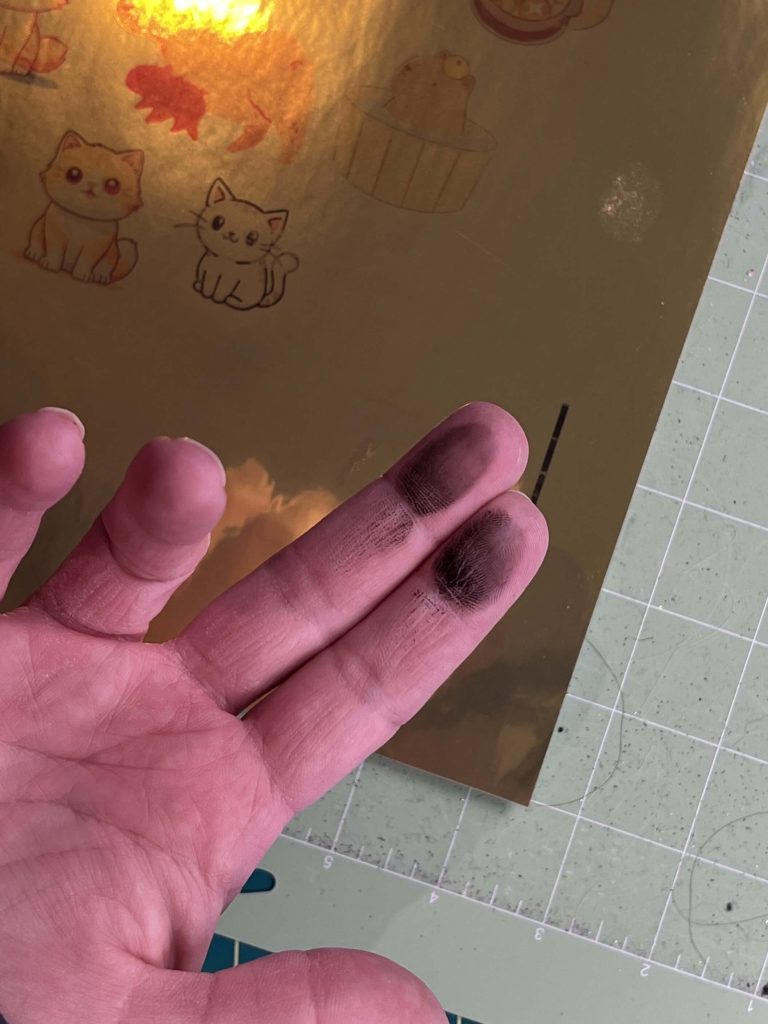
I have tried printing with DS again and had similar results. So I’m thinking that this has to do with DS, as my other prints came out great.
Cutting with Cricut vs Scissors
Cutting Koala Gold Foil Glossy Vinyl Sticker Paper on the Cricut
I don’t know if you recall, but a while ago, I reviewed holographic sticker paper from Koala, and I knew cutting this out on my Cricut was going to be a challenge. So I was prepared.
Also, Koala is kind enough to provide a link to their troubleshooting page to help you cut their product with your cutting machine.
I tried the following arrangements with my Cricut Explore Air 2 to get the sticker paper to cut:
- Nothing special – lights on, no tape, no markers used
- Tape over registration marks with the lights on
- Tape over registration marks with the lights off
- Tape over registration marks with marker lines redrawn, light on
- Tape over registration marks with marker lines redrawn, light off.
I was not able to get my Cricut Explore Air 2 to find the registration marks, no matter what I tried.
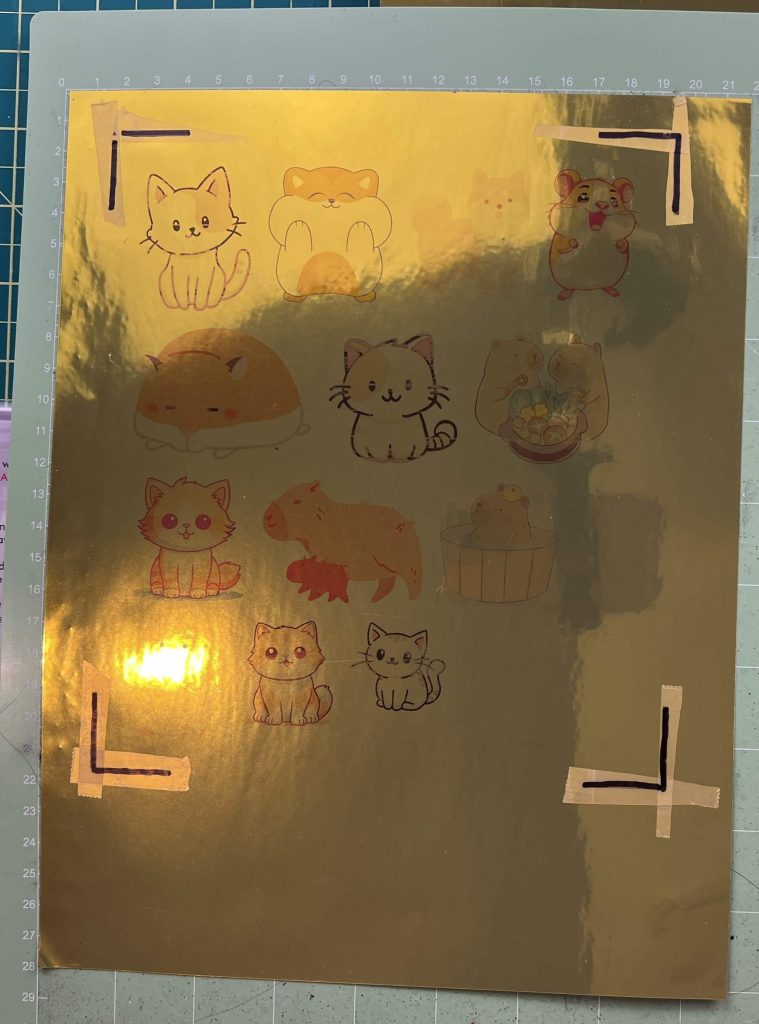
I believe it can be done. And since I had issues with getting the print settings to work correctly, and then not being able to cut the vinyl, I’m thinking it’s an issue with either my machine or one of the latest updates to Cricut DS. The Explore Series is notorious for not cutting holographic/shiny materials well when it comes to Print-Then-Cut.
Cutting the Koala Gold Foil Glossy Vinyl Sticker Paper with Scissors and Paper Cutters
I had my scissors and paper cutter ready, as I knew there could be an issue with getting this to work with my machine.
This paper cuts like a dream. Nice, smooth, no tearing or bunching.
Waterproof & Durability Test
Applying the Cutting the Koala Gold Foil Glossy Vinyl Stickers
Now, it’s time to try out the stickers. They are cut and ready to go. They peel nicely from the backing paper, and the vinyl feels very durable. It does not tear when coming off the backing paper.
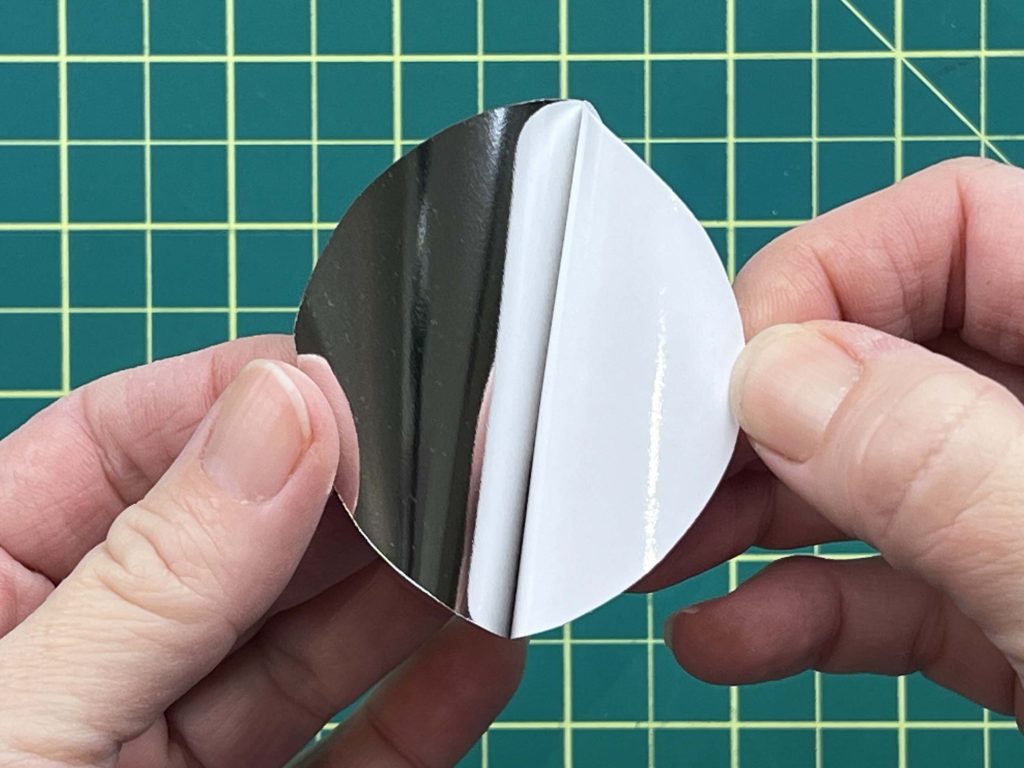
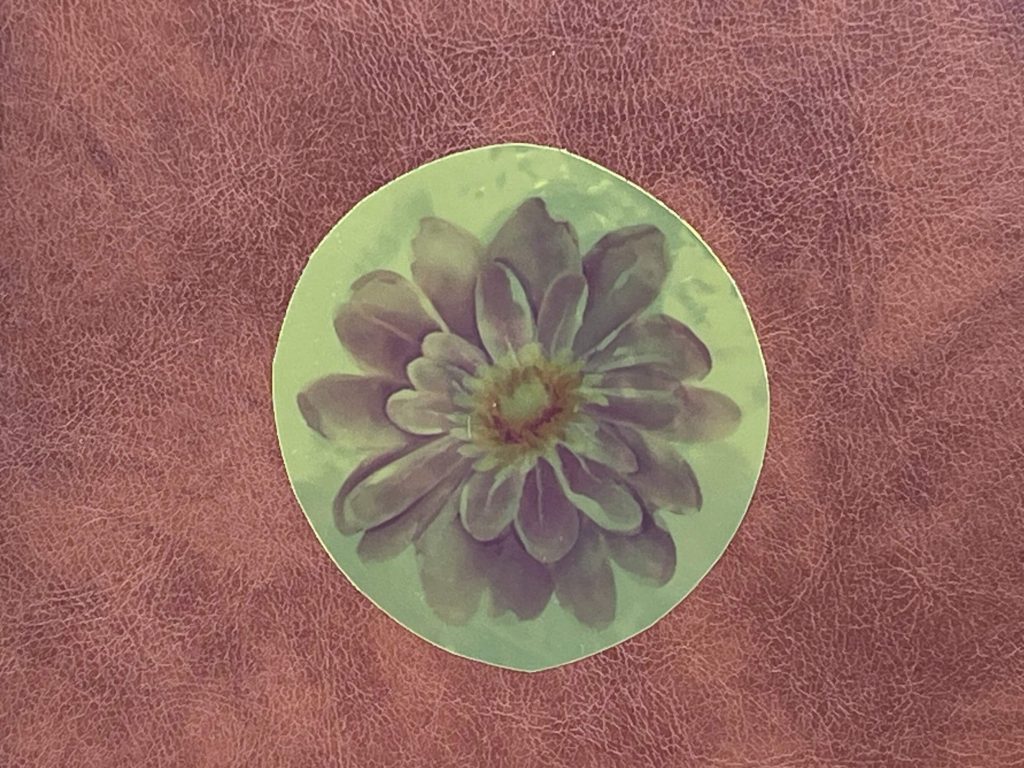
It sticks on easily and stays put. So I’m happy with that.
Claims that the Koala Gold Foil Glossy Vinyl Sticker Paper is Water Proof
So, this sticker paper claims to be waterproof. Now, I’m not putting this through the dishwasher, but I did stick it on a cup and watch it in the sink. And here are the results…..
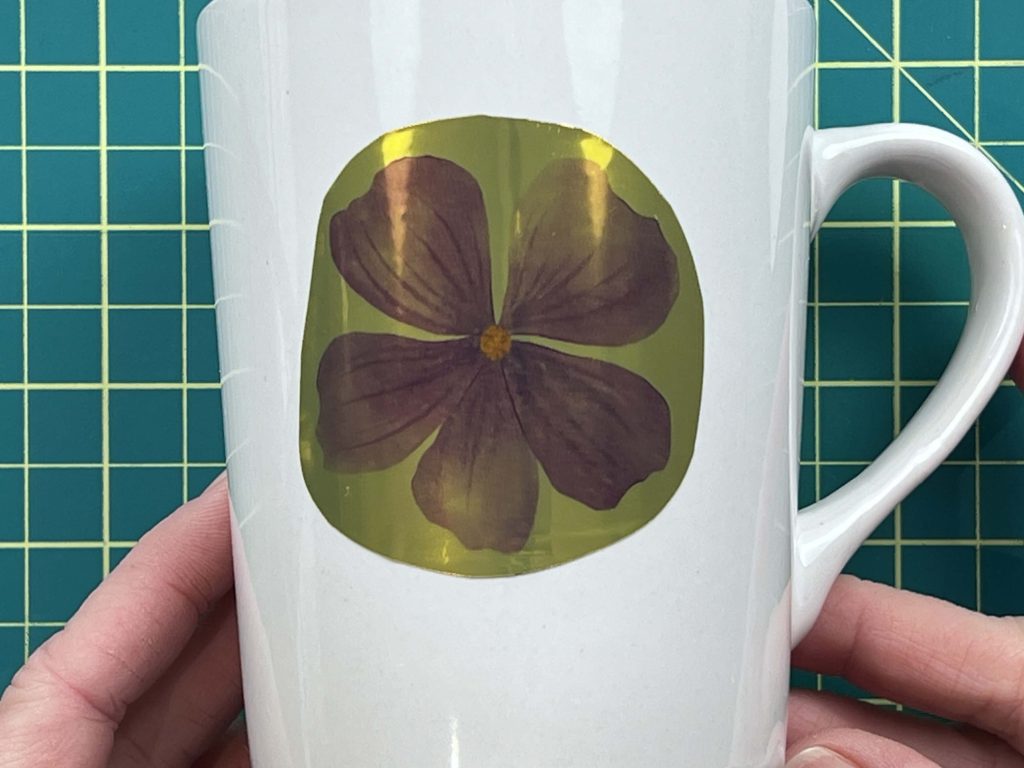
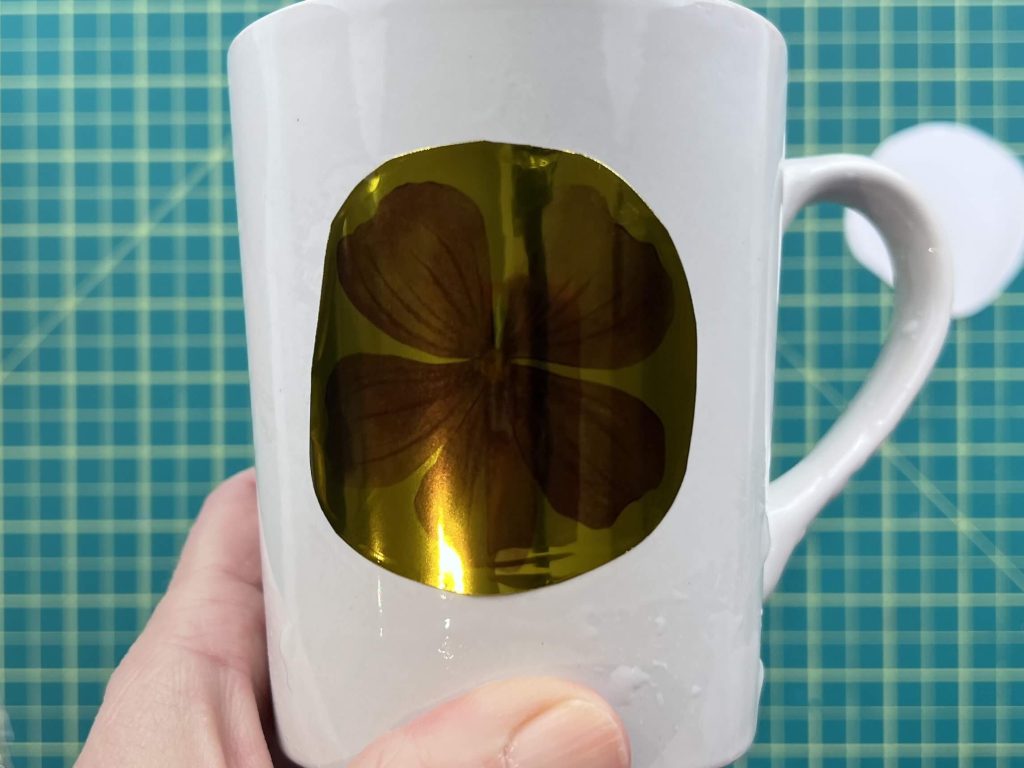
The first image is what the sticker looked like when I placed it on my cup. The second one is after I washed it. All looks good! The color stayed on nicely and the vinyl didn’t peel.
Would I buy this Koala Gold Foil Glossy Vinyl Sticker Paper Again?
I really like the color of this paper. And honestly, I would consider using it as gold vinyl with no print on it. It’s so shiny and bright. I love it.
I am also going to use all the “Thank You” sentiments I printed out and place them on cards, to save me an extra step during card making.
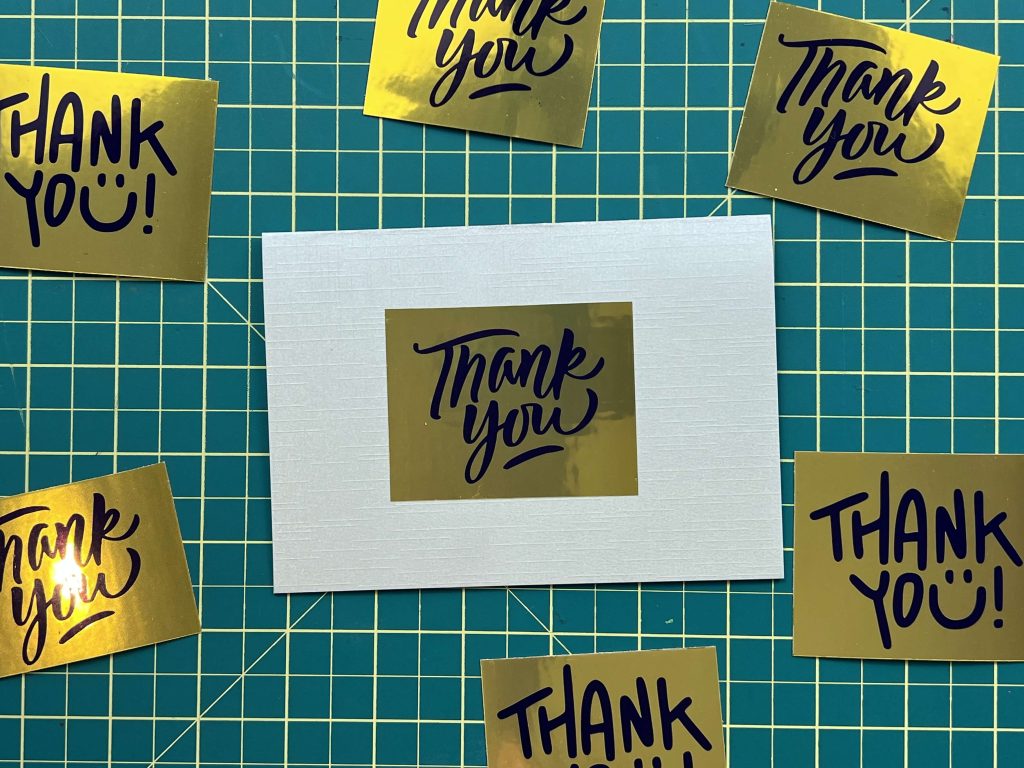
Would I buy this product? Yes, I would. But not with my cutting machine.
If you want to try out this product, you can find it here.
If you use my code: LearnsStuff , you can get 12% off the purchase price of any Koala Product.
Koala Tracing Paper Review
Ok, so onto the next Koala Product I received, the Koala Tracing Paper. I have to be honest with you, I have never used tracing paper before, but I’m going to give it a go. Be sure to read to the end, as I have a sneaky surprise for you.
Packaging & First Impressions
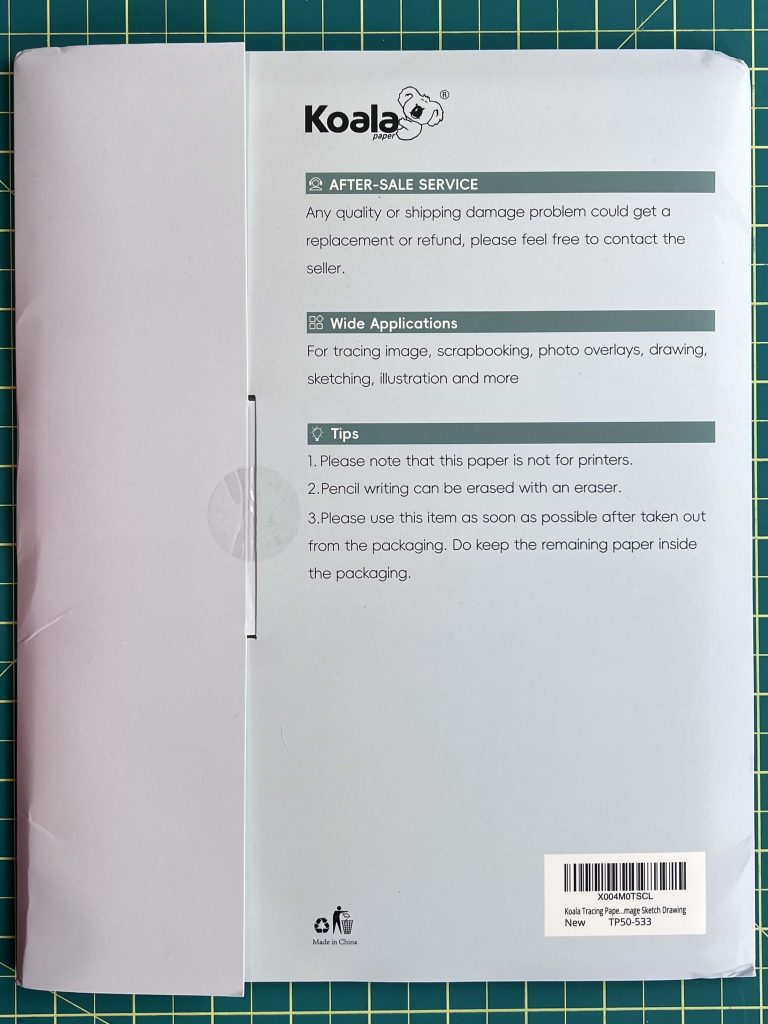
I want to quickly show you the packaging of this product. It’s nothing crazy, just a standard package, but Koala is nice enough to put the instructions on the back cover of the packaging. This is great because you don’t have to worry about losing it. And the steps to follow are really easy. Which is an added bonus. But we don’t really need instructions on this, as it’s tracing paper. However, the “not for printers” is a good note to know.
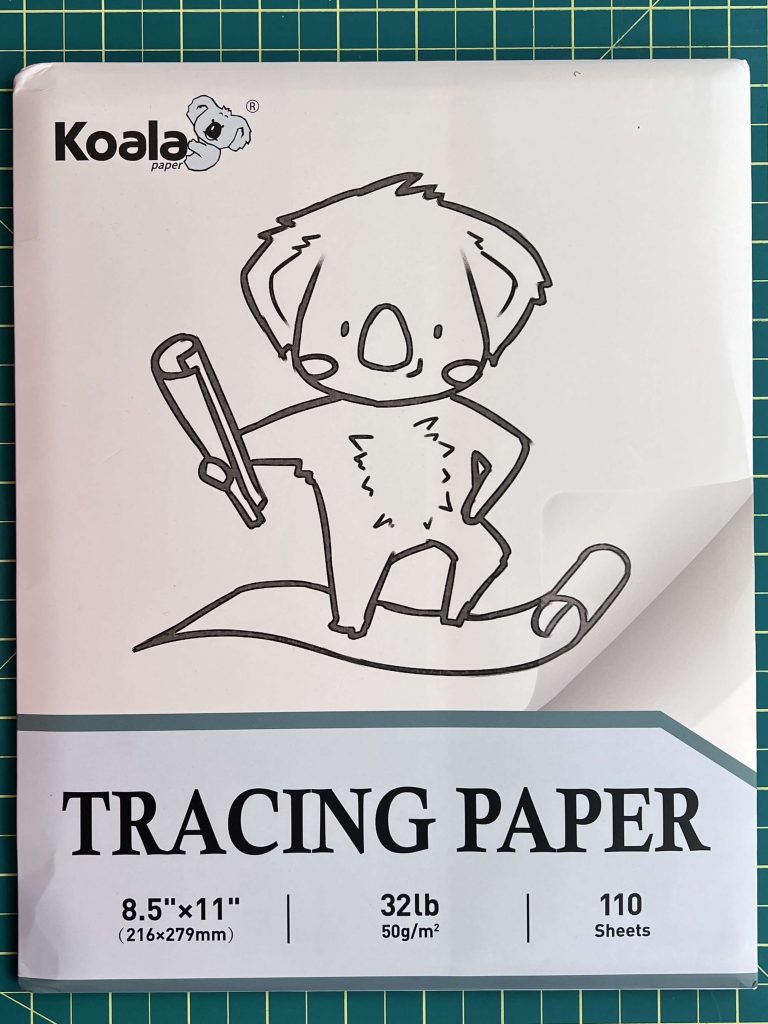
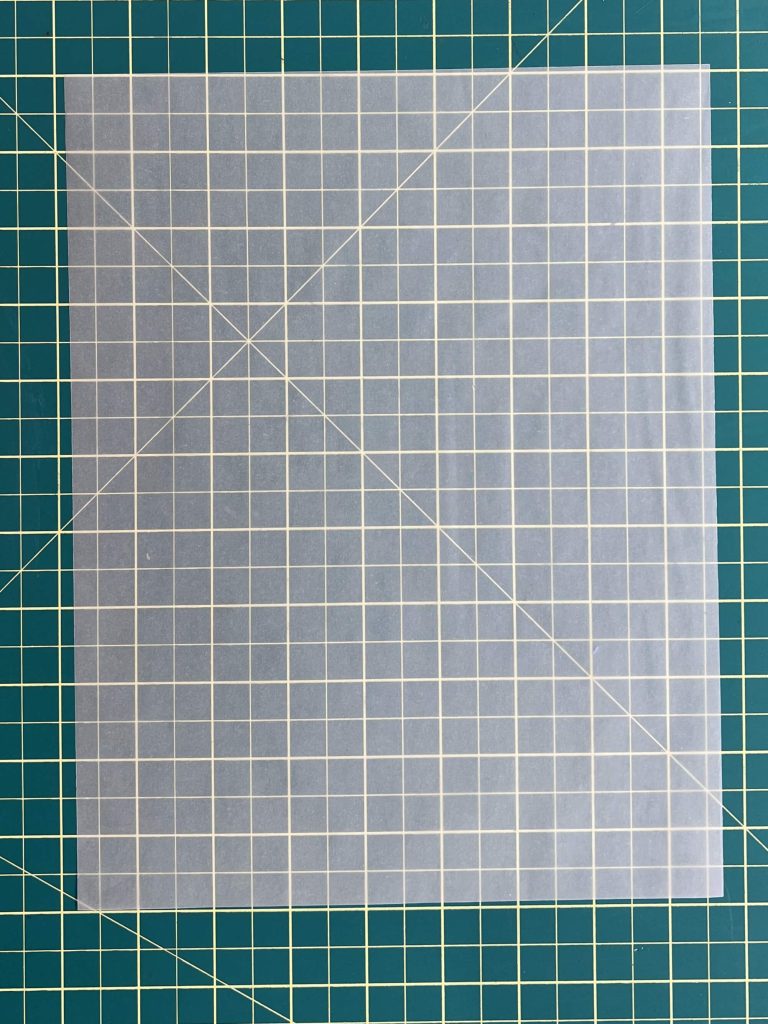
Inside the package, you get to see what 110 sheets of super-thin paper feel like.
This paper is SUPER thin, but it has some body to it, so it doesn’t rip easily. Which is nice.
Tracing Test & Erasing Quality
Tracing with Koala Tracing Paper
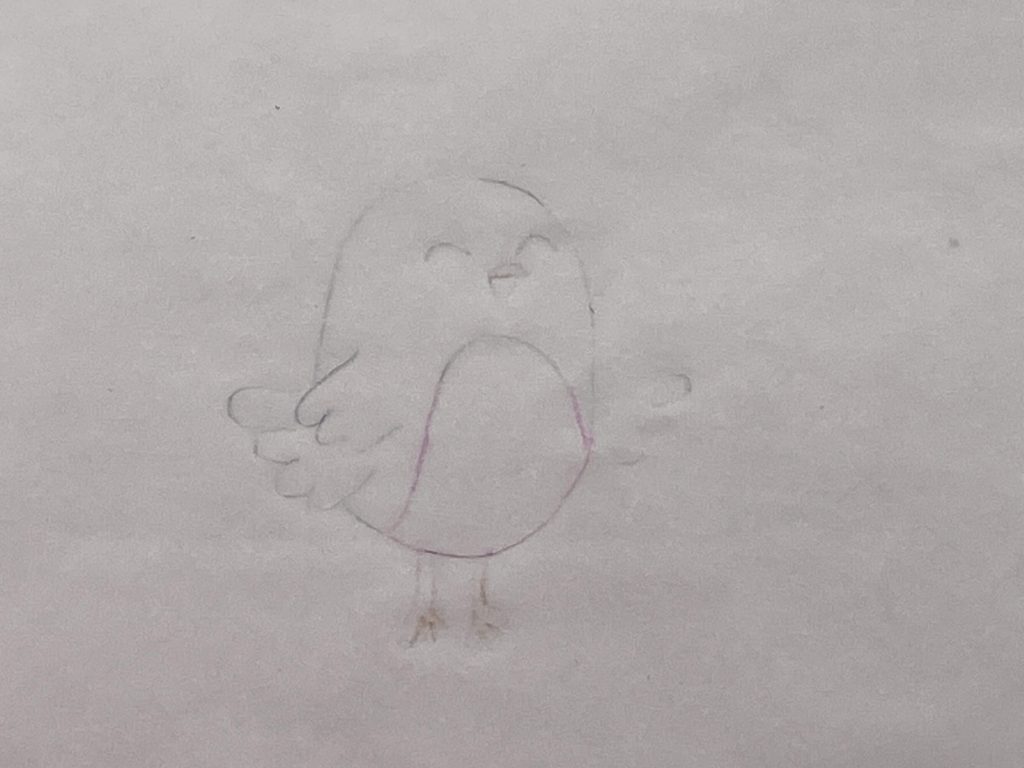
I was going to try this paper out for tracing, as that is the point of this paper. So, I simply placed it on top of one of my sketches and traced it out.
Since this paper is SUPER thin, it’s SUPER see-through, and tracing was a sinch!
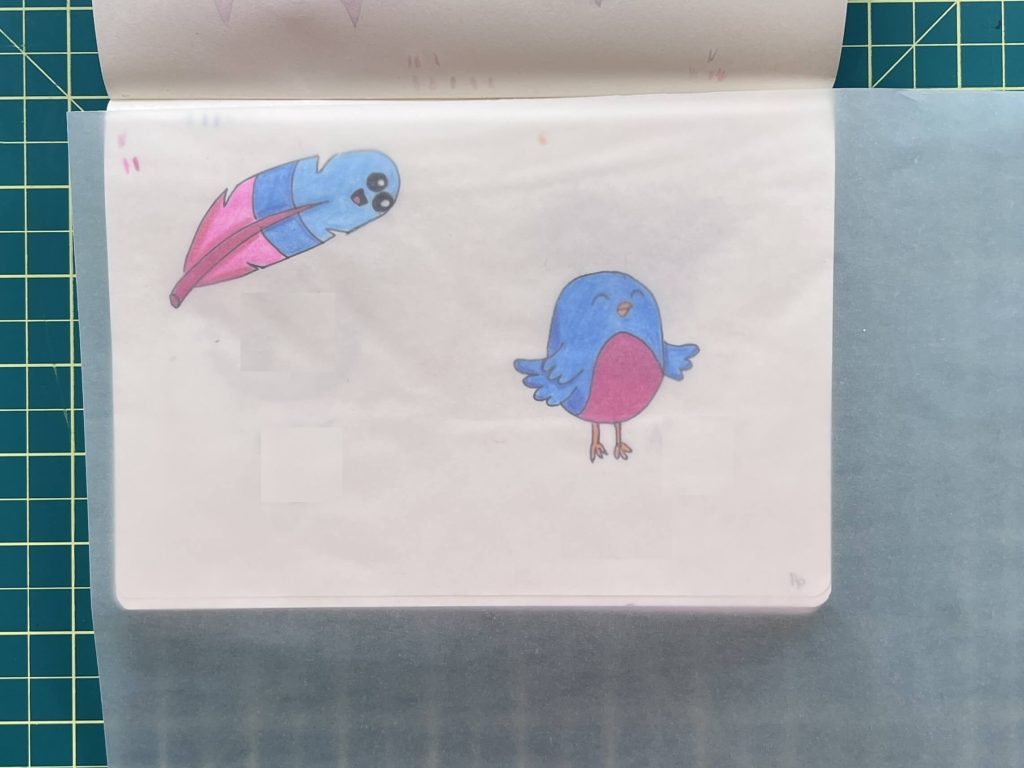
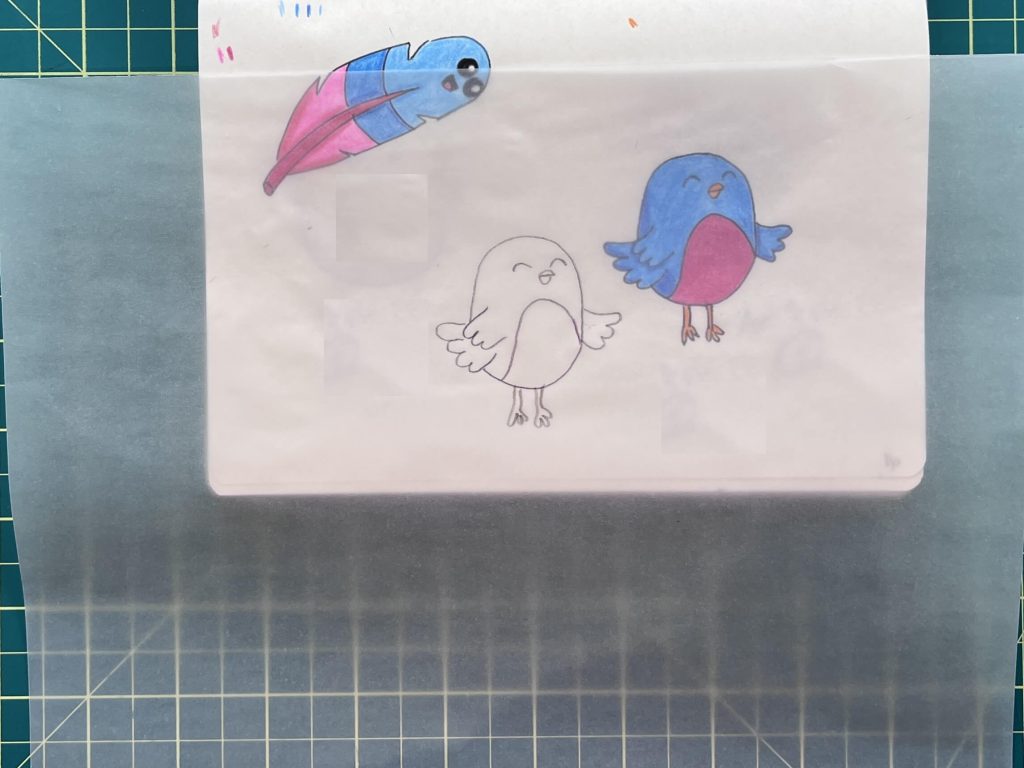
How well does Koala Tracing Paper handle an Eraser?
This tracing paper also claims that you can erase on it. So I gave it a try. I was very surprised the paper didn’t rip, bend, or tear while I was trying to erase my sketch.
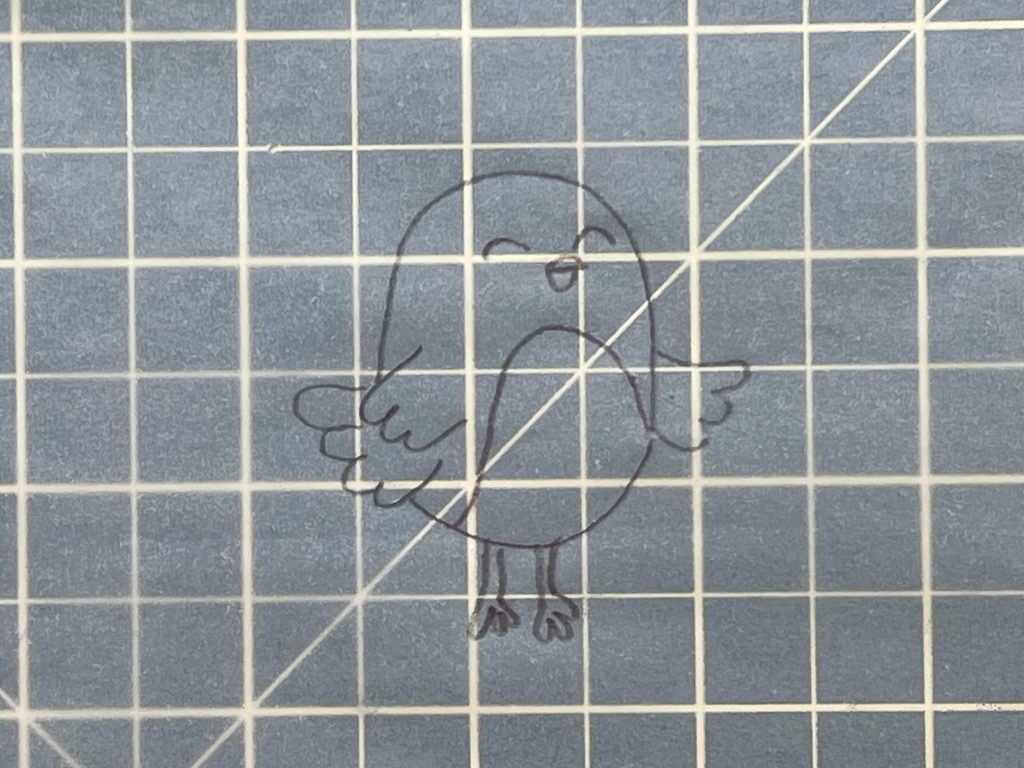
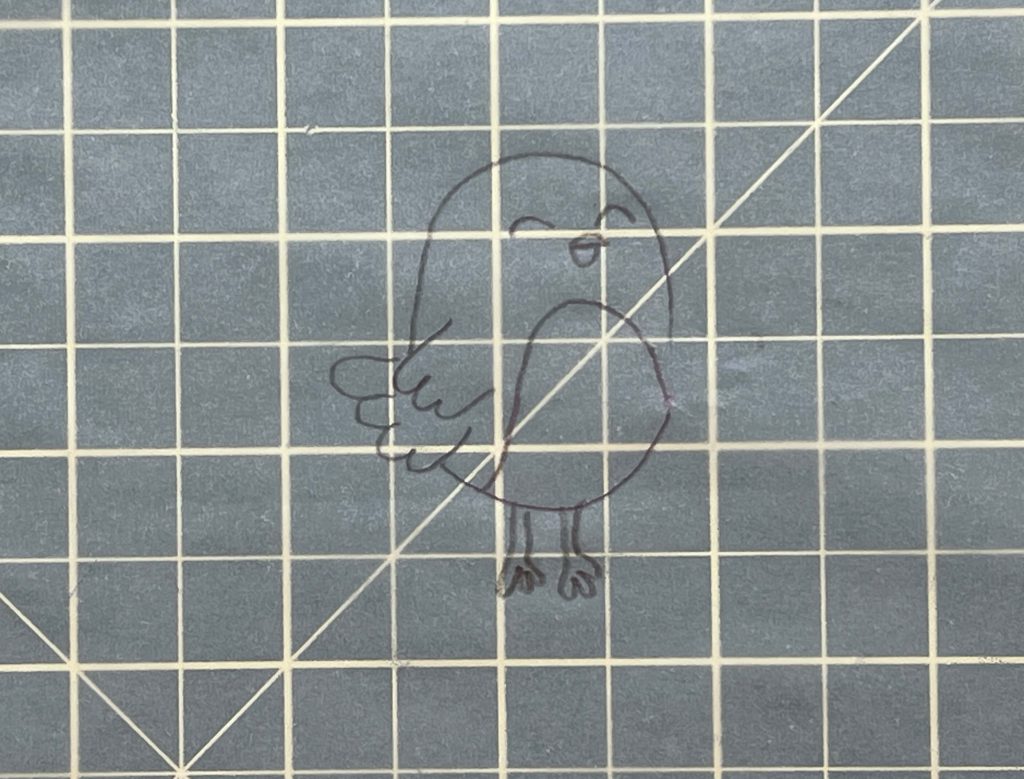
I will point out that when I was tracing my original sketch, the color from below got stuck onto my tracing paper, and it was visible after erasing, but was on the underside. If you trace an image that is not drawn and colored by you, that should not be an issue.
Bonus Crafting Ideas – Tracing Paper Added Bonus Crafts
Okay, so I have no idea what I’m going to do with the remaining 105 sheets of Koala Tracing Paper, but I did do something that is not tracing…..
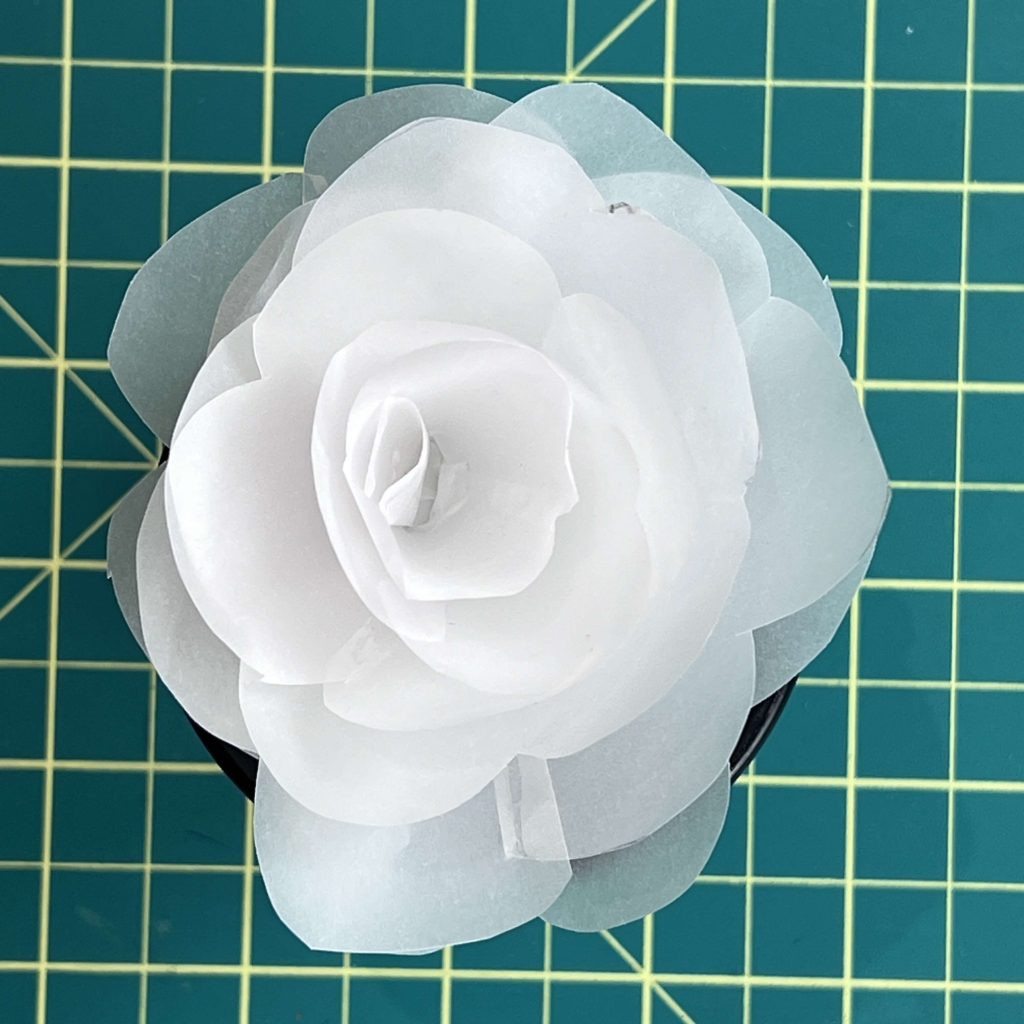
This paper is surprisingly very strong, and as a result, I had to try it with my other paper crafts.
This paper is fabulous for making paper roses! I have white paper, but nothing like this. This will now be my go-to white papers for paper crafts and for adding as accents.
If you want to learn how to make this paper rose, you can read about it here.
Would I buy the Koala Tracing Paper again?
As I mentioned above, I’m not sure I need 110 sheets of tracing paper, as I don’t trace very often. However, I see a lot of potential for this paper related to paper crafting.
So, would I buy this Koala Tracing Paper? Yes, yes, I would. But, it might be a while before I need some, as 110 sheets is a lot of paper to go through!
If you want to try out this product, you can find it here.
If you use my code: LearnsStuff , you can get 12% off the purchase price of any Koala Product.
Did you enjoy this Koala Product Review?
Did you enjoy this Koala Gold Foil Glossy Vinyl Sticker Paper Review & Koala Tracing Paper Review? Let me know if you like hearing my reviews about products? This is the third one I’ve done for Koala, and as much fun as it is receiving free supplies, I also want to craft, so I have to make sure I find time for that too. So I may take a break from product review for a bit.
Let me know if you learned anything from this blog post and if you enjoyed this Koala Product Review. Also, let me know if you have used this product and how you like it.
If you want to hear my thoughts on the other Koala Products I’ve tried, you can read those here:
- Koala Clear Waterslide Decal Paper Review
- Koala Product Review (this includes Koala Inkjet Sticker Paper, Holographic Sticker Paper, A-Sub puff Vinyl, and A-Sub Dark Fabric Transfer Paper)
- Cricut Sticker Paper vs Koala Sticker